

Table of Contents
What Is an Image Compressor Online?
An image compressor online is a free web‑based tool that reduces the file size of images like JPG, PNG, and WebP without sacrificing quality. This helps websites load faster, reduces bandwidth, and improves user experience.
Whether you’re a blogger, website owner, or marketer, compressing images before uploading them is essential — and you don’t need to install software to do it.
Use the ReadyGoTools Image Compressor right here: https://readygotools.com/image-compressor/
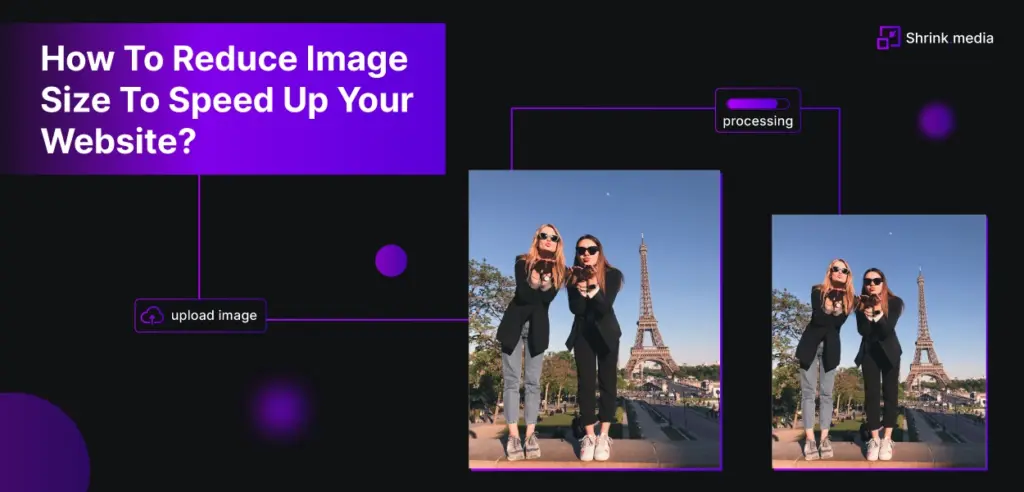
How Image Compression Works
Image compression reduces file size using two methods:
Lossy Compression
This removes some image data to significantly shrink file size without noticeably lowering quality — ideal for web use.
Lossless Compression
This method keeps all original data but still reduces size — best for professional or print image storage.
💡 Most online compressors like ours use a mix of both to give you the smallest possible size with great quality.
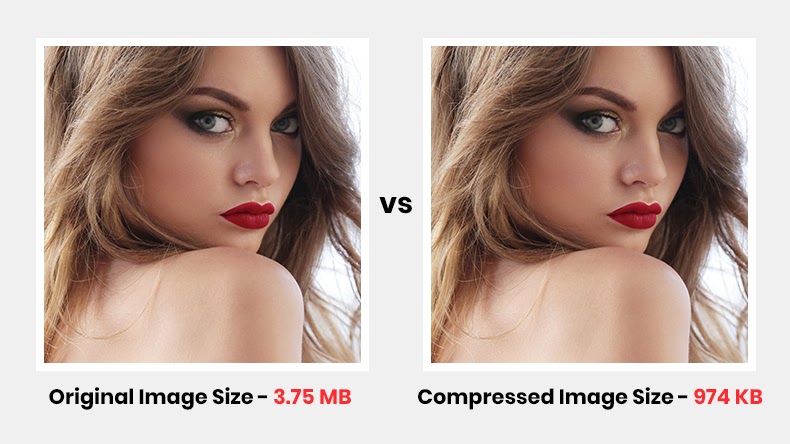
Benefits of Compressing Images for Web & SEO
Optimizing images boosts not just load times but also SEO rankings:
- Faster Page Load Time — Google rewards faster sites.
- Improved Core Web Vitals — Better CLS & LCP scores.
- Reduced Bandwidth Usage — Save server or hosting charges.
- Higher Conversions — Visitors stay longer and convert more.
👉 For more on image formats and selection, see our WebP converter tools:
Learn about Google’s image optimization best practices at Google Developers → https://developers.google.com/web/fundamentals/performance/optimizing-content-efficiency/image-optimization
How to Use the Image Compressor Online
Follow these simple steps:
- Go to the ReadyGoTools Image Compressor:
https://readygotools.com/image-compressor/ - Click Upload Image or drag & drop your image.
- Wait a few seconds as the tool compresses automatically.
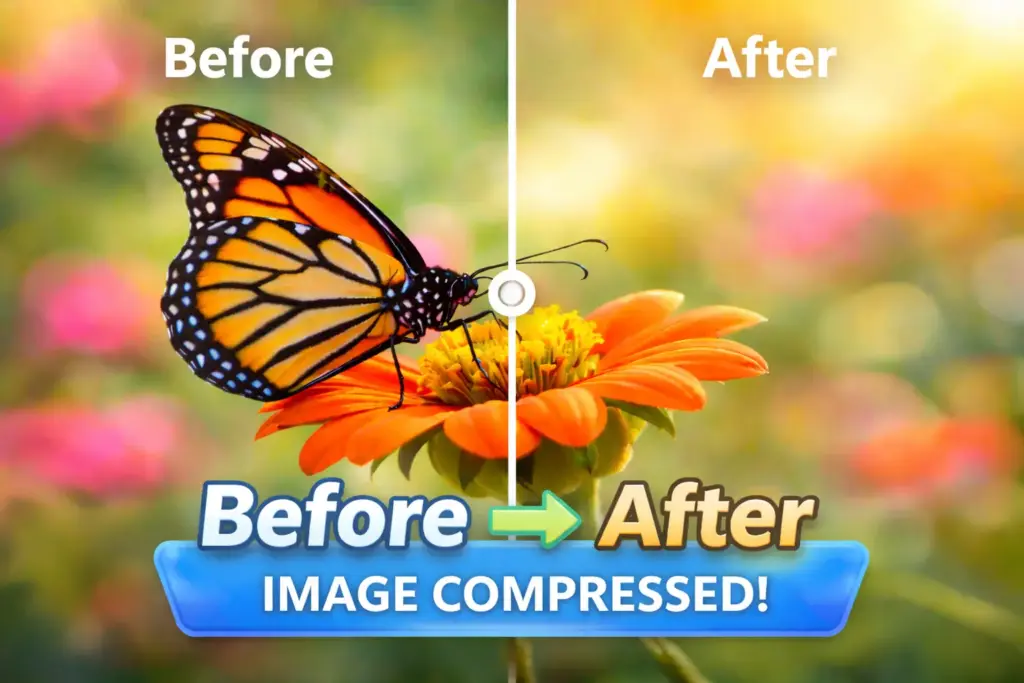
- Review the before & after size comparison.
- Click Download Compressed Image.
💡 Tips for Best Compression Results
✔ Choose the Right Format – For web images, WebP often compresses better than JPG or PNG.
✔ Resize Before Uploading – Use our Image Resizer: https://readygotools.com/image-resizer/
✔ Compress Larger Batches – If you have many images, compress them in batches to save time.
✔ Keep a Master Copy – Always store an uncompressed original in case edits are needed.
❓ Frequently Asked Questions (FAQs)
Q: What file types can I compress?
A: Our compressor supports JPG, PNG, and WebP formats.
Q: Will compression reduce image quality?
A: Minimal quality loss may occur with lossy compression, but it’s optimized to be visually undetectable while drastically shrinking file size.
Q: Do I need to sign up?
A: No — it’s completely free and no‑signup required.
Image Compressor Can Compress Images in Seconds
Using an Image Compressor Online like the one at ReadyGoTools.com makes image optimization fast, efficient, and free — perfect for web developers, SEO experts, and everyday users alike. Faster sites and smaller images = happier users and better SEO.
👉 Start compressing now: https://readygotools.com/image-compressor/
Related Tools and Guides
- Free Image Compressor Tool — compress JPG, PNG, WebP instantly
- Image Resizer — resize images before compressing
- How to Compress Images Without Losing Quality
- JPG to WebP Converter — smaller files than compressed JPG
- PNG to WebP Converter — 26% smaller than PNG
- Image Optimization for SEO — Complete Guide