
Table of Contents
1. What Is a JPG to PNG Converter?
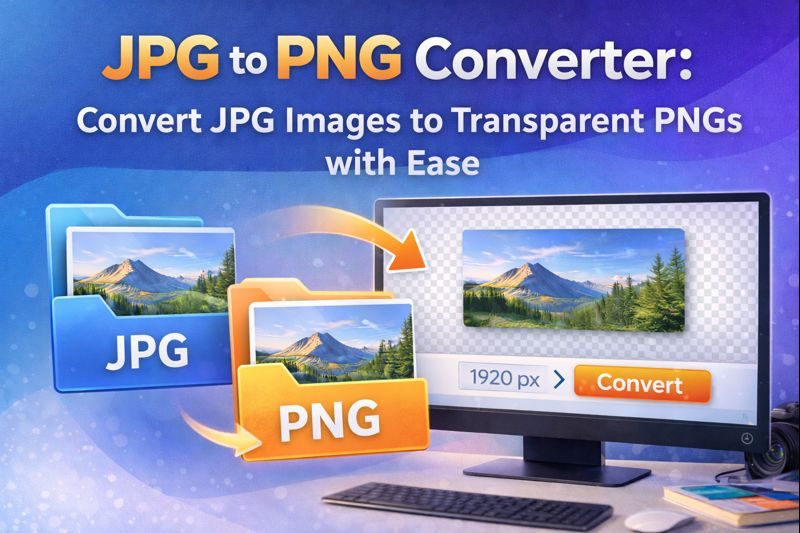
A JPG to PNG converter is a tool that transforms JPG (JPEG) images into PNG format. Unlike JPG, PNG supports transparency, lossless compression, and better clarity for graphics or icons.
Access the tool here:
🔗 https://readygotools.com/jpg-to-png-converter/
Using this tool helps maintain image quality and flexibility across platforms.

2. JPG vs PNG: Key Differences
| Feature | JPG | PNG |
|---|---|---|
| Compression | Lossy | Lossless |
| Transparency | Not supported | Supported |
| Best For | Photos | Graphics, Icons, Logos |
| File Size | Smaller | Larger (but clearer) |
The PNG format is ideal when you need to retain edges, support transparency, or avoid compression artifacts.
3. When to Use PNG Instead of JPG
There are several scenarios where using PNG is preferable:
- Logos with transparent backgrounds
- Icons or UI elements
- Graphics with text or sharp edges
- Images with high-contrast colors
- When avoiding compression loss is critical
PNG is also ideal for use in product mockups, overlays, and watermarks.
4. How to Use the ReadyGoTools JPG to PNG Converter
Follow these steps:
- Visit https://readygotools.com/jpg-to-png-converter/
- Upload your JPG file
- Click “Convert to PNG”
- Download your new PNG image
Image with Focus Keyword Alt Text:alt="jpg to png converter interface converting uploaded image"
This tool works instantly in your browser and supports unlimited conversions.
5. Common Use Cases for PNG Images
- Transparent logos on colored or dynamic backgrounds
- Ecommerce product mockups
- Social media overlays
- UI/UX design elements
- Custom buttons and icons
- Presentations requiring image sharpness
These images appear sharper and cleaner when resized or reused across different layouts.
6. Best Practices for Image Conversion
- Always use high-resolution JPGs as your starting point
- Resize images beforehand with the Image Resizer
- Compress large PNG files with the Image Compressor
- Add alt text and proper filenames for SEO (e.g.,
logo-transparent-brandname.png) - Avoid unnecessary color profiles to reduce file size
7. JPG to PNG: SEO and Web Optimization Tips
Use Descriptive Filenames
Name your images for relevance and clarity: product-name-transparent.png
Add Alt Text with Keywords
Example: alt="png logo with transparent background for brand"
Compress PNG Files
PNG can be heavy. Use tools like TinyPNG or Image Compressor
Avoid Overuse
Don’t convert everything to PNG. Use only when transparency or clarity is needed.
8. Related Resources
The JPG to PNG converter is essential when you need high‑quality images with transparency or clarity. Whether you’re preparing website graphics, logos, or marketing materials, converting from JPG to PNG ensures that your images are cleaner, more versatile, and ready for professional use.
Try it now:
🔗 https://readygotools.com/jpg-to-png-converter/