
Table of Contents
1. What Is an Image Resizer?
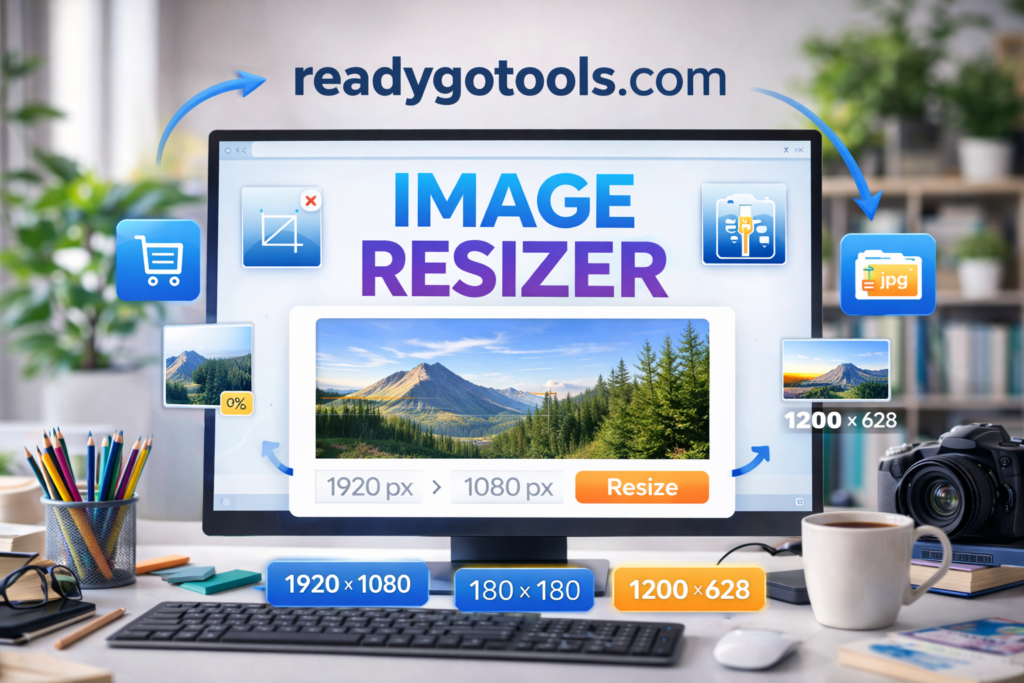
An image resizer is a tool that allows you to change the dimensions of an image—specifically its width and height—without significantly altering its quality. This is essential when adapting images to specific formats, devices, screen sizes, or layout constraints.
Whether you’re building a blog, managing an online store, or designing digital ads, an image resizer ensures your visuals are the right size for their container.
You can access our free, no-login-required image resizer at:
🔗 https://readygotools.com/image-resizer/
2. Why Image Resizing Matters
Images account for more than 60% of the average page weight on the internet. Oversized images slow down pages, break layouts, and increase bounce rates.
Proper image sizing is one of the simplest and most effective ways to:
- Improve user experience
- Increase site speed
- Meet Google’s Core Web Vitals benchmarks
- Make websites responsive and mobile-friendly
- Boost your SEO rankings
According to Google PageSpeed Insights, resizing images before uploading can save hundreds of kilobytes per image… a dramatic improvement for load speed and performance.
3. How Image Size Impacts SEO and Web Performance
Google now evaluates site performance as part of its ranking algorithm. One of the key metrics is Largest Contentful Paint (LCP) which is often an image.
An image that’s larger than necessary:
- Slows down page rendering
- Delays time to first interaction
- Increases bounce rate
- Hurts mobile performance, especially on slow networks
Optimizing images using an image resizer helps ensure that your page remains lean, fast, and search-engine friendly.
4. How to Use the ReadyGoTools Image Resizer
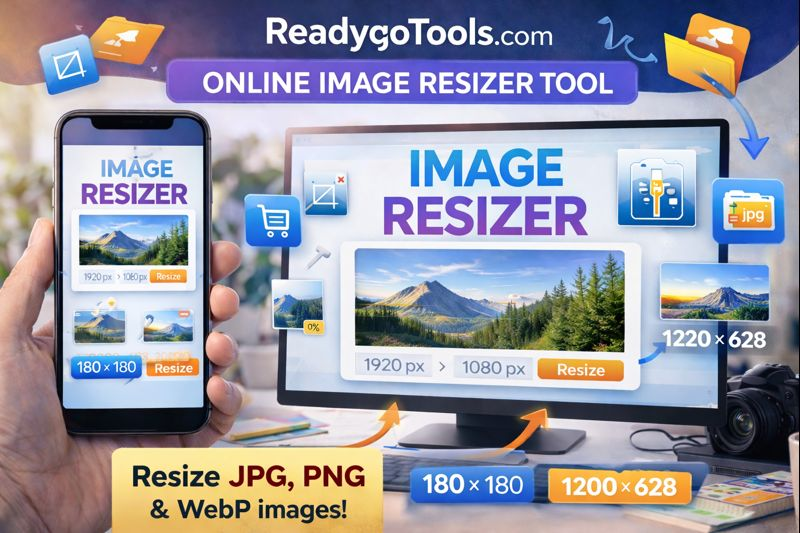
The ReadyGoTools image resizer is easy to use. Follow these steps:
- Go to https://readygotools.com/image-resizer/
- Upload your image (JPG, PNG, or WebP)
- Enter the desired width and height in pixels
- Select whether to maintain aspect ratio
- Click “Resize” and download your image
Image with Alt Text:alt="image resizer showing dimensions interface"
This tool is entirely web-based, supports all major image formats, and works directly in your browser.
5. When You Should Resize Images
There’s a wide range of scenarios where resizing is necessary:
- Featured blog images
- Thumbnail generation for galleries or ecommerce
- Mobile-optimized versions of banners or backgrounds
- Hero section headers
- Email campaign visuals
- Social media posts with strict image dimension requirements
Uploading a 3000-pixel-wide image when the space allows only 800 pixels adds unnecessary weight. That slows down your site and increases hosting costs over time.
6. Use Cases: Real-World Examples
Blog Example
A food blogger creates a recipe post. The featured image originally is 4000 x 3000 pixels. The site’s content area only supports 900px width. Using the image resizer, they scale it down to 900 x 675 for perfect fit and reduced load time.
Ecommerce Example
A store owner has 50 product images at 2400px wide. After resizing them to 800 x 800px and converting to WebP, the site loads 3x faster, improving conversion rates.
7. Best Practices for Resizing Images
- Always maintain aspect ratio to avoid distortion
- Choose the right format (JPG for photos, PNG for transparency, WebP for performance)
- Use compression after resizing — try the Image Compressor
- Name files appropriately using descriptive filenames (e.g.,
blue-running-shoes-800x800.jpg) - Pre-size images before uploading them to WordPress or CMS platforms
- Include alt text to improve accessibility and image SEO
8. Common Mistakes to Avoid
- Uploading full-size images directly from a camera or phone
- Resizing without locking aspect ratio
- Ignoring image DPI for print or high-resolution use
- Using PNGs when JPGs would be smaller and more efficient
- Not testing images across multiple screen sizes
9. Image Resizer vs Image Compressor
| Feature | Image Resizer | Image Compressor |
|---|---|---|
| Reduces dimensions | ✅ | ❌ |
| Reduces file size | Sometimes | ✅ |
| Keeps quality | ✅ if done correctly | ✅ with lossless settings |
| Best for | Layout, responsiveness | Speed, SEO, delivery |
Use both tools for maximum optimization.
10. Related Resources
- Image Compressor
- JPG to PNG Converter
- PNG to JPG Converter
- JPG to WebP Converter
- Google PageSpeed Insights – Optimize Images
- MDN Web Docs – Responsive Images
An image resizer is one of the most powerful tools for improving your website’s performance, SEO, and user experience. Whether you’re a developer, blogger, business owner, or designer. Resizing your images before publishing them ensures better results across every platform.
Start using the free ReadyGoTools Image Resizer now:
https://readygotools.com/image-resizer/